Less Scrolling. More Living.
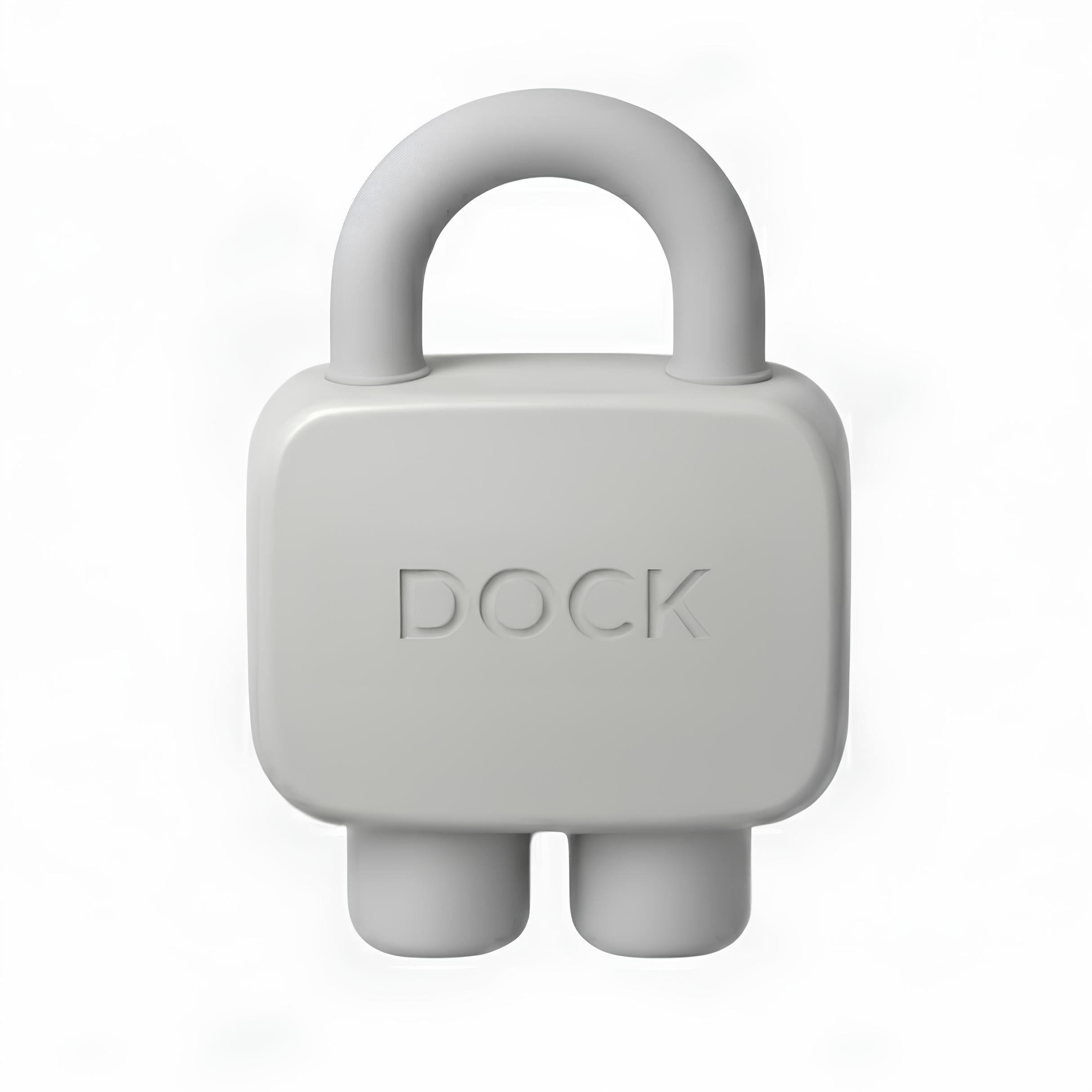
Leave your distractions at the Dock. One tap locks your apps, another brings them back.


Introducing Dock
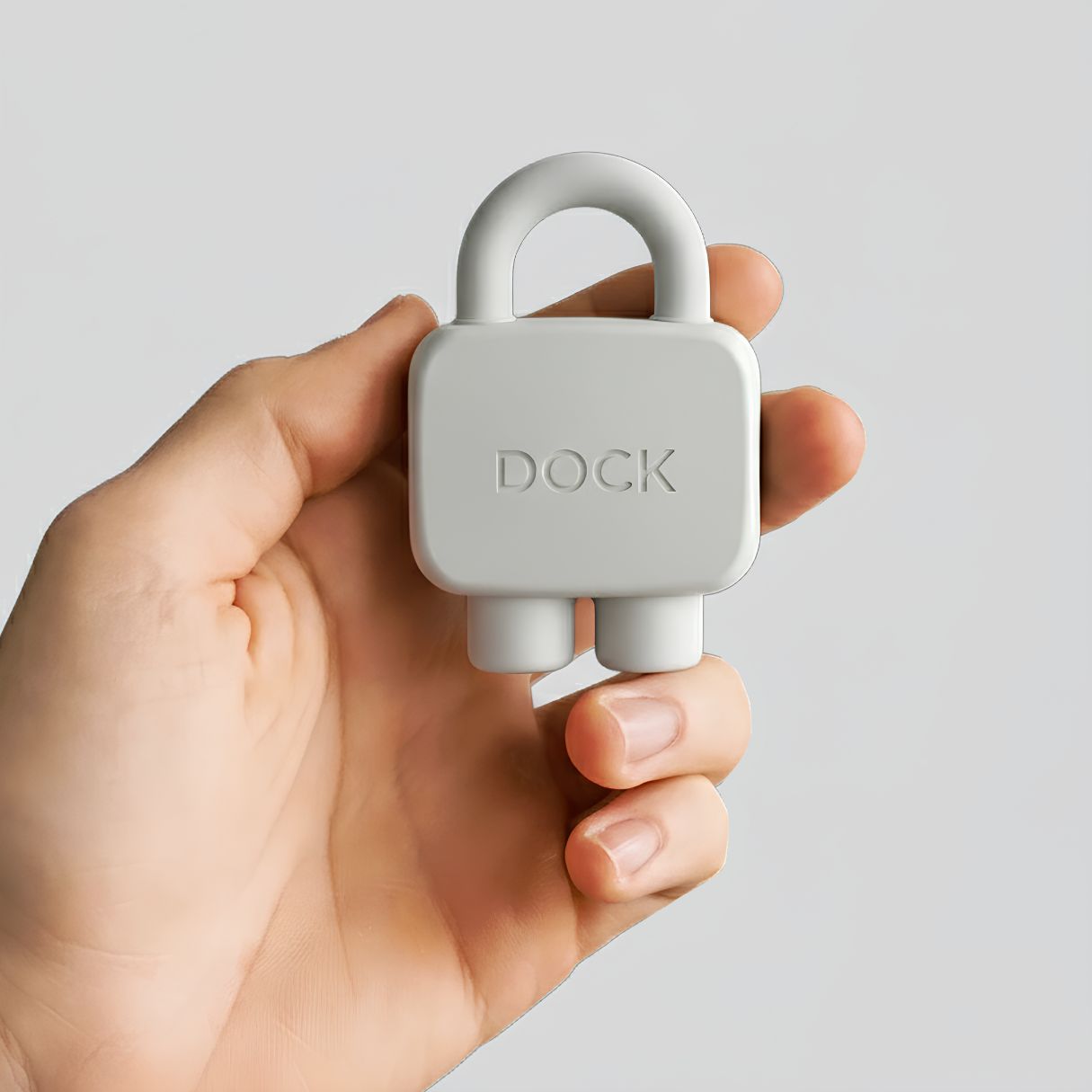
A physical device that temporarily removes distracting apps & their notifications from your phone. Designed for simplicity. No subscriptions. No complex setups. Just more time for what matters.
Dock turns your phone back into a tool
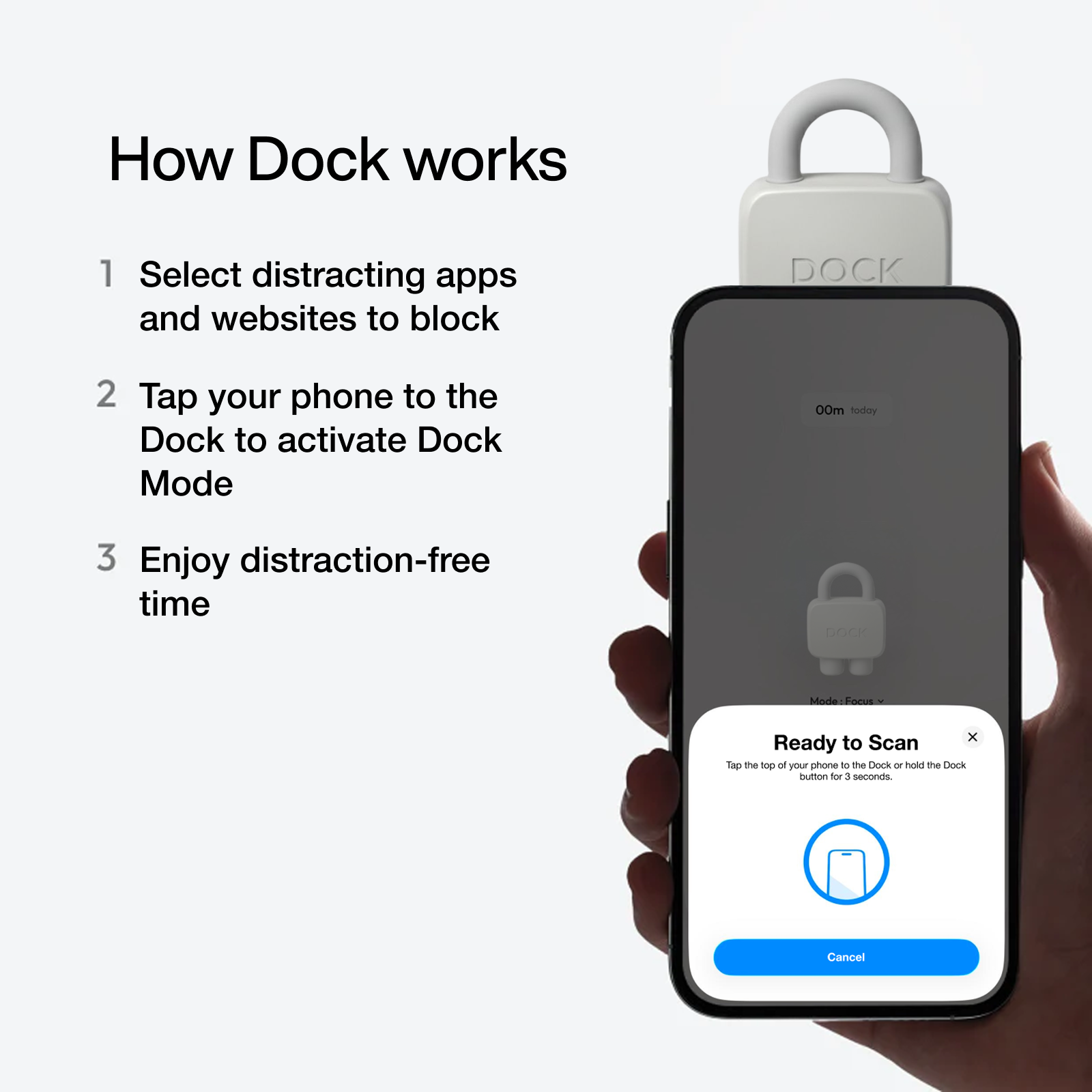
Choose Apps to block
Open the Dock app and choose which apps or websites you want to block.
Prefer the opposite? You can instead select which apps to keep accessible - all other apps will be blocked.
You can create multiple custom modes for different parts of your day like Work, Family Time, or Study. Each mode has its own set
of blocked apps.
Tap your Dock
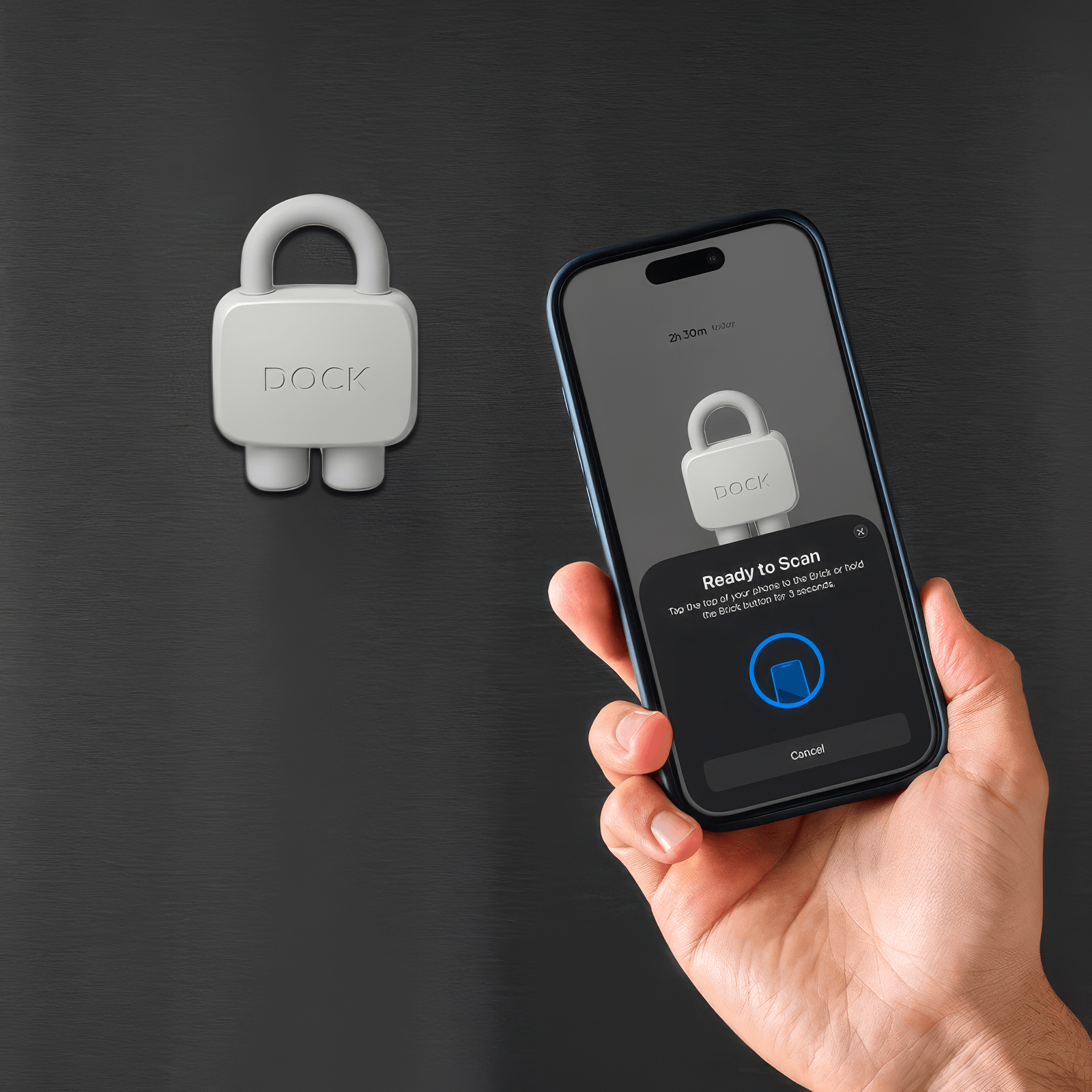
Once you've selected a mode, tap your phone to the Dock to activate it.
Or, if you're not near your Dock, tap and hold the Brick button in the app to enable Brick Mode from anywhere.
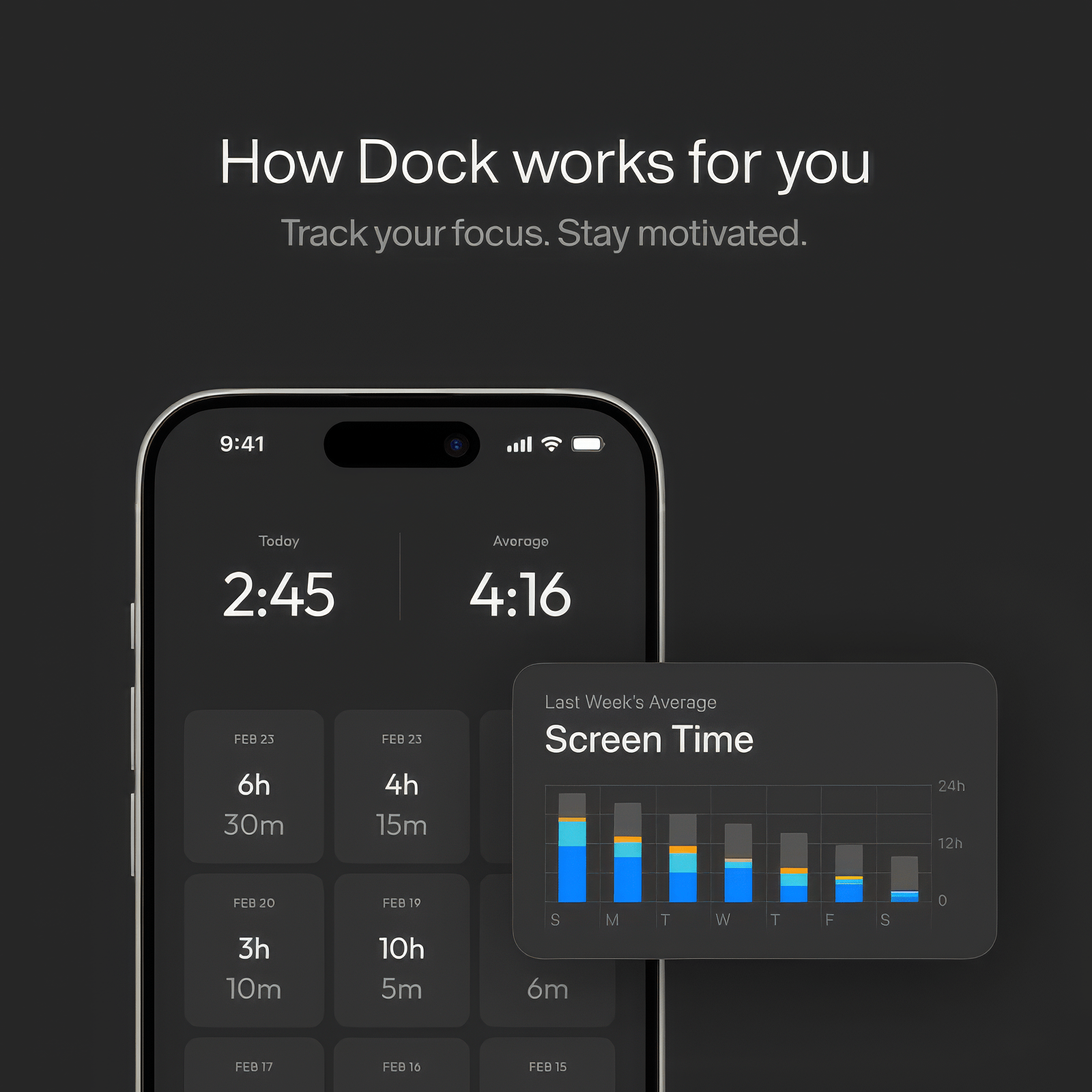
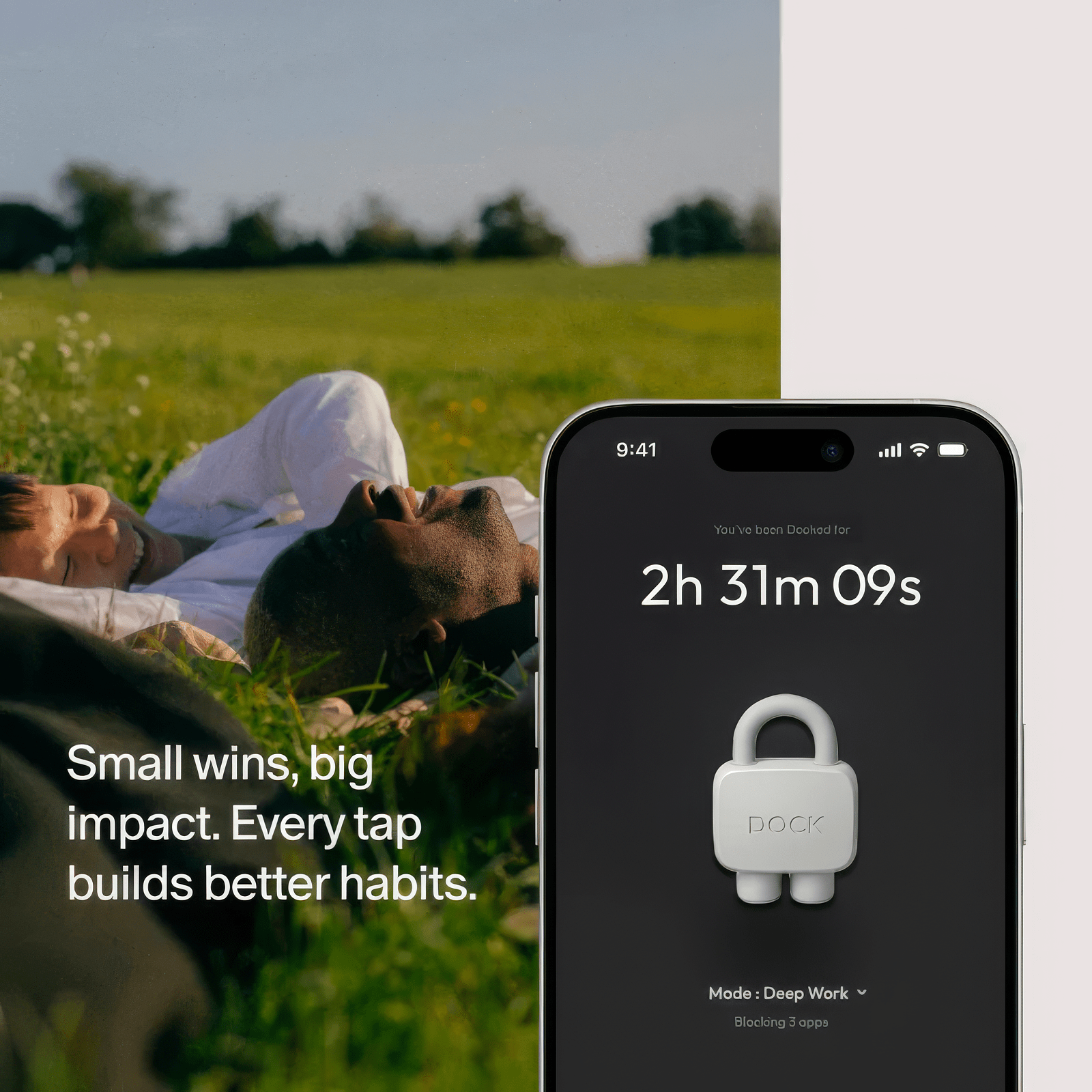
As soon as you're Docked, a timer starts - helping you track how long you stay focused.
Focus on what Matters
Place your Dock somewhere out of reach.
Because Dock is a physical device - not just an app - it creates real friction.
To unblock your apps, you have to physically return to it, making the decision to reconnect an intentional one.
Undock with Intention
When you're ready, simply tap your phone to the Dock again to regain access to your apps and websites.
Need emergency access? Each device includes 5 emergency undocks that you can activate in the app to regain access.



The Dock
A device that blocks your most distracting apps.
Instant Focus, Zero Friction
Use our free app on iOS and Android to silence distracting apps, create custom focus modes, and see where your time really goes.
Engineered for Everyday Use
A slim, lightweight device with a magnetic back so you can snap it onto a fridge, shelf, or metal surface at home — and drop it in your pocket or bag when you head out.
Feel the Difference
Trade constant scrolling for intentional moments. Dock helps you focus when it’s time to work, unplug when it’s time to rest, and feel more in control of your life.
-

Fast shipping
- |
-

100-day money back
- |
-

Lifetime warranty
 Promise

What Makes Dock Different?
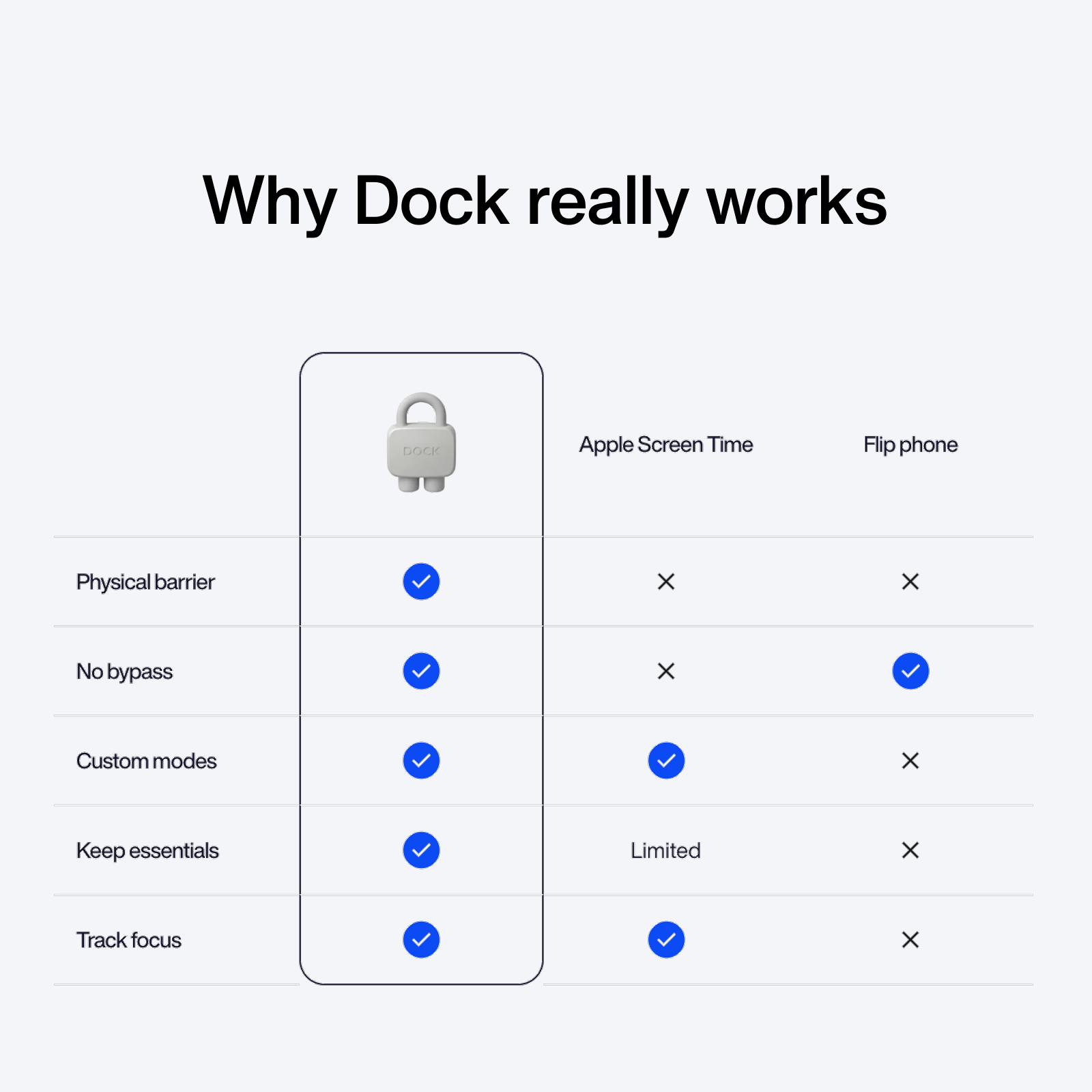
Traditional screen time tools fail because the override is always just a tap away. Dock changes that. By leaving your Dock behind, you create distance between yourself and your distracting apps, keeping them out of reach until you consciously, and physically, choose to unlock them.
Unlike Anything You’ve Tried Before

Apple Screen Time
Flip phone
Physical barrier
No bypass
Custom modes
Keep essentials
Limited
Track focus
Real benefits of digital wellness
1
%-
less impulsive actions
Compared to using their phone without Dock
1
x
More Present and Focused
Since using Dock when studying or working
1
%+
Reduced Screen Time
Using their phone about 3.1 hours less daily
*Based on a survey of 3,000+ Dock users.
You are one